> For the complete documentation index, see [llms.txt](https://learn.layerswap.io/user-docs/llms.txt). Markdown versions of documentation pages are available by appending `.md` to page URLs; this page is available as [Markdown](https://learn.layerswap.io/user-docs/layerswap-app/transfer-manually.md).
# Transfer manually
Safely transfer your assets across blockchains with the manual transfer option
If you want to transfer funds without connecting a wallet, you can use the manual transfer option on Layerswap. We're here to guide you through the process.
### Step 1. Fill in transfer details
**1.1** Firstly, select the networks that you want to transfer between, select the token and specify the amount.
**1.2** Click on "Connect a wallet" button, then "Continue without a wallet".
**1.3** Enter your destination address and click "Next".
### Step 2. Send assets
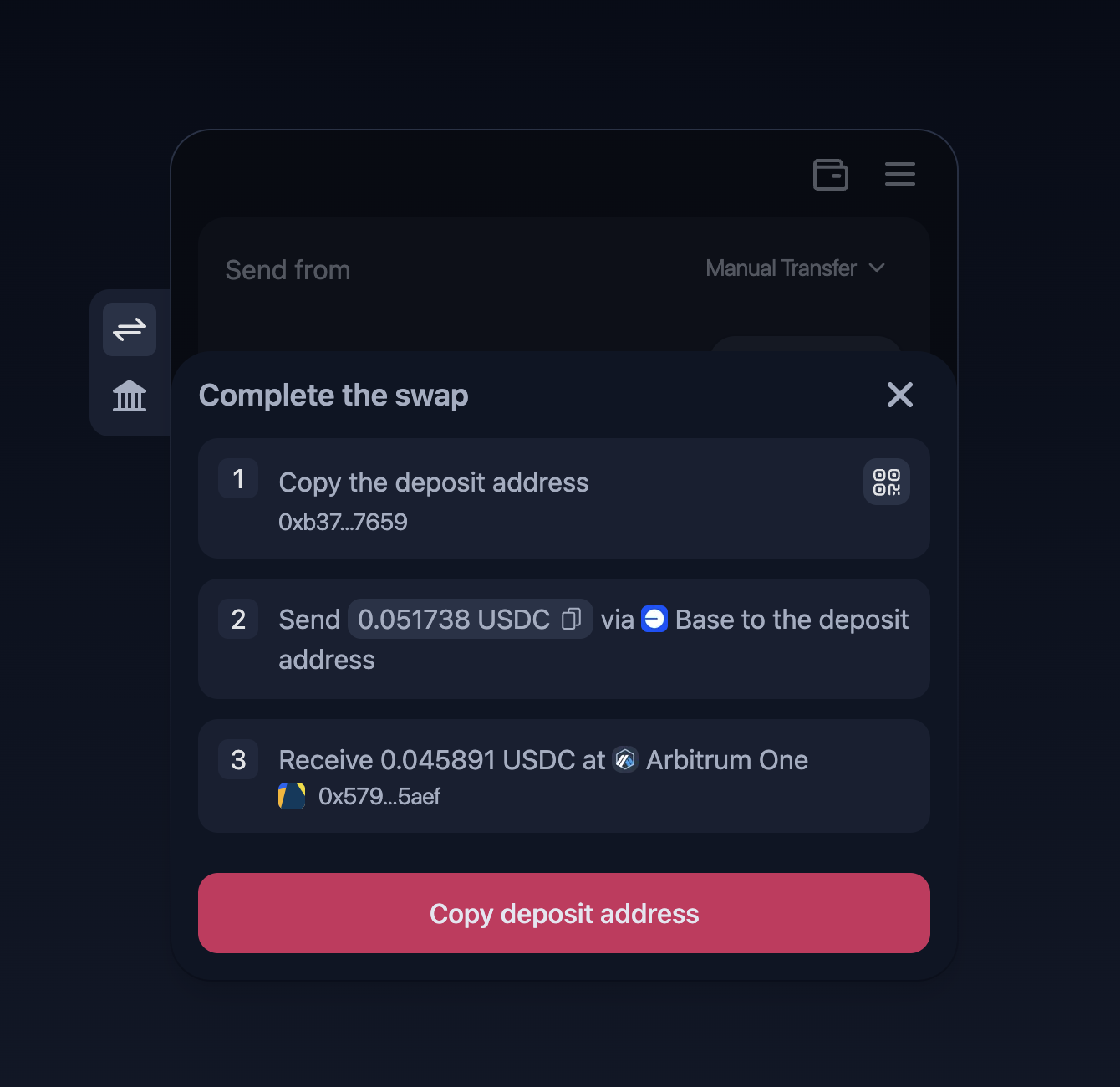
**2.1** You'll be provided with a deposit address to which you'll need to send funds.
{% hint style="info" %}
The provided deposit address is being generated for each user by Layerswap. The transaction can't be completed if you haven't sent funds to the address.
{% endhint %}
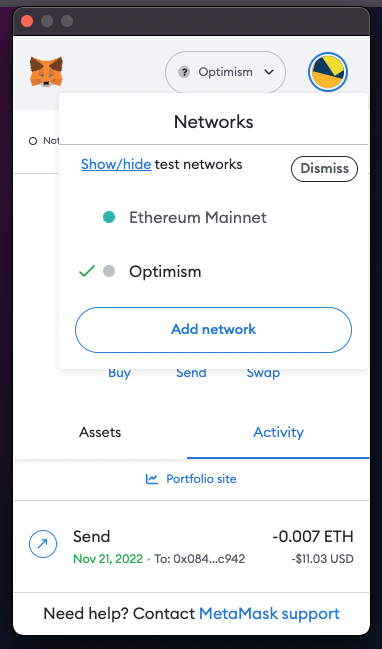
**2.2** To send from a wallet, sign in and make sure you're on the right network.
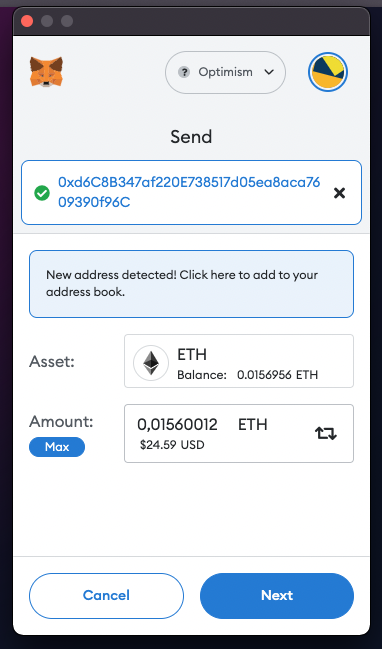
**2.3** Click "Send", copy and paste the information provided by Layerswap.
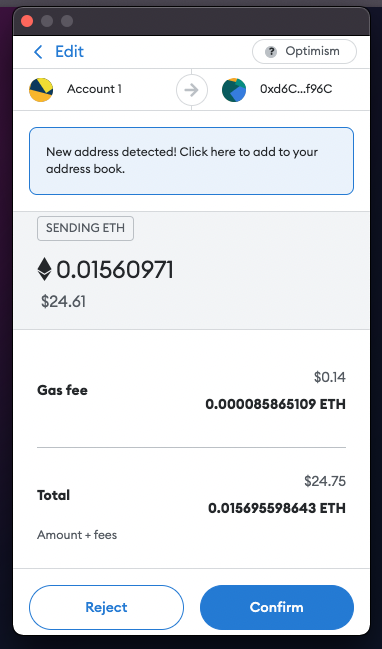
**2.4** Confirm the transaction on the wallet.
If you're transferring from ImmutableX without connecting Immutable Passport, please follow these guides for a smooth transaction:
{% content-ref url="/pages/5okmkpUcq8qdokWhbiMX" %}
[How to: Transfer from ImmutableX](/user-docs/beginners-guides/how-to-transfer-from-immutablex.md)
{% endcontent-ref %}
#### If you need further assistance, feel free to contact us on [Discord](https://discord.gg/layerswap)!